

The word size can describe several different things about a photograph. It can mean the space the file occupies, the number of pixels in the image or the dimensions of a printed copy. These quantities affect one another, but they are not interchangeable. Before adjusting a slider, identify which problem you need to solve: a byte limit, an unsuitable crop, excessive pixel dimensions or an image that already lacks visible detail.
Quality is equally easy to misunderstand. A high number in an export dialog is not a certificate that the photo is sharp, well exposed or useful. A blurred source remains blurred in a large file. A clear image can also become damaged by aggressive processing. Judge the content and the destination together rather than treating one setting as a universal measure of photographic value.
Pixels describe the image grid
Width and height in pixels describe how many image samples the file represents. For a hypothetical example, an image that is 2000 pixels wide and 1500 pixels high contains three million pixels. Halving both dimensions gives 1000 by 750 pixels, or a quarter of that original pixel count. This is arithmetic, not a prediction that the compressed file will become exactly a quarter of its previous byte size.
Reducing pixel dimensions can remove detail that a small display does not need. It can also destroy small text or limit a future crop. Choose dimensions for the actual use and retain the original. Increasing dimensions later creates a larger grid but does not reliably restore the information discarded earlier. That is why a small delivery copy should not automatically replace a photographic master in your archive.
Bytes describe the stored file
File size measures the encoded data stored in the file. It depends on format, content, dimensions, encoder settings and embedded information. A smooth sky can compress differently from a similarly sized image full of leaves or noise. Two photos with identical width and height therefore need not have similar file sizes. A target that works for one image may require more visible compromise on another.
Units can add confusion. Decimal KB and MB use powers of a thousand; KiB and MiB use powers of 1024. Some software labels its display less clearly. For a strict upload limit, check the destination’s stated convention and the actual byte count when available. Avoid relying on a rounded display value at the boundary. A small safety margin can be more useful than arguing with inconsistent labels in different programs.
Unit definitions checked on 17 October 2026: NIST comparison of binary and SI units. Pixel calculations above are hypothetical arithmetic examples, not measured exports.
Compression is not the same as resizing
Resizing changes the pixel grid. Compression changes how image information is encoded, and lossy compression can simplify that information to save space. A quality slider usually controls part of an encoder’s trade-off. It does not specify the final file size and does not mean a literal percentage of the original information remains. Another program or format can interpret the same displayed number differently.
Lossless encoding preserves the represented pixel values, but it cannot undo damage already present in the source. Converting a heavily compressed photograph to a lossless format does not restore its missing texture. It may simply produce a larger file containing the same visible defects. Choose a delivery method for the content you actually have, rather than assuming that a larger result must contain more genuine photographic information.
Change the right variable first
Read the destination requirement. If it specifies exact width and height, set those dimensions and preserve the required shape through an appropriate crop. If it only specifies a maximum byte count, you have more freedom to combine dimension reduction and compression. If it specifies a file type, use a real export to that type. Renaming the extension does not solve a format requirement.
Start with a useful crop and sensible dimensions, then compare compression levels. Change one factor at a time so that you know why the result improved or deteriorated. If fixed dimensions and a strict byte target conflict, there may be no acceptable export that satisfies both while keeping necessary detail. Ask for an alternative rather than silently treating a failed target as achieved or delivering an unreadable image.
Compare at an honest display size
Place source and export at the same displayed size for a practical comparison. Then inspect sensitive areas more closely: skin, hair, fine writing, gradients and sharp edges. Look for block patterns, smeared texture, halos and missing characters. An extreme magnification is useful for diagnosis but should not be your only judgement. The recipient’s normal view tells you whether the image fulfils its real purpose.
Compare files with the same intended job. A thumbnail and a print source should not be scored solely by their byte counts. A photographic delivery copy and a transparent graphic may need different formats. If you report savings, state what changed and retain the relevant dimensions. A dramatic percentage can come mainly from shrinking the image rather than from a superior encoder, and the reader should be able to tell.
Avoid repeated losses
Export new variants from the original instead of repeatedly recompressing the last result. Repeated lossy stages can compound defects while making the editing history difficult to follow. Give copies useful names and keep the source in a separate location. When a new destination needs a different crop or more detail, return to that source rather than enlarging an already reduced version and hoping the missing information returns.
Finally, open the saved output and test it in the intended application. Confirm its dimensions, actual file size, orientation, colour and important details. Keep a simple record of the export choice if you will repeat the work. The right balance is the smallest practical copy that still communicates what the recipient needs, within the real constraints. Neither a maximum quality number nor a minimum byte count can decide that alone.
A measured example
Our own test illustration combines colors, edges and fine noise. It is not a camera photo. The size of your own photo depends on its content.
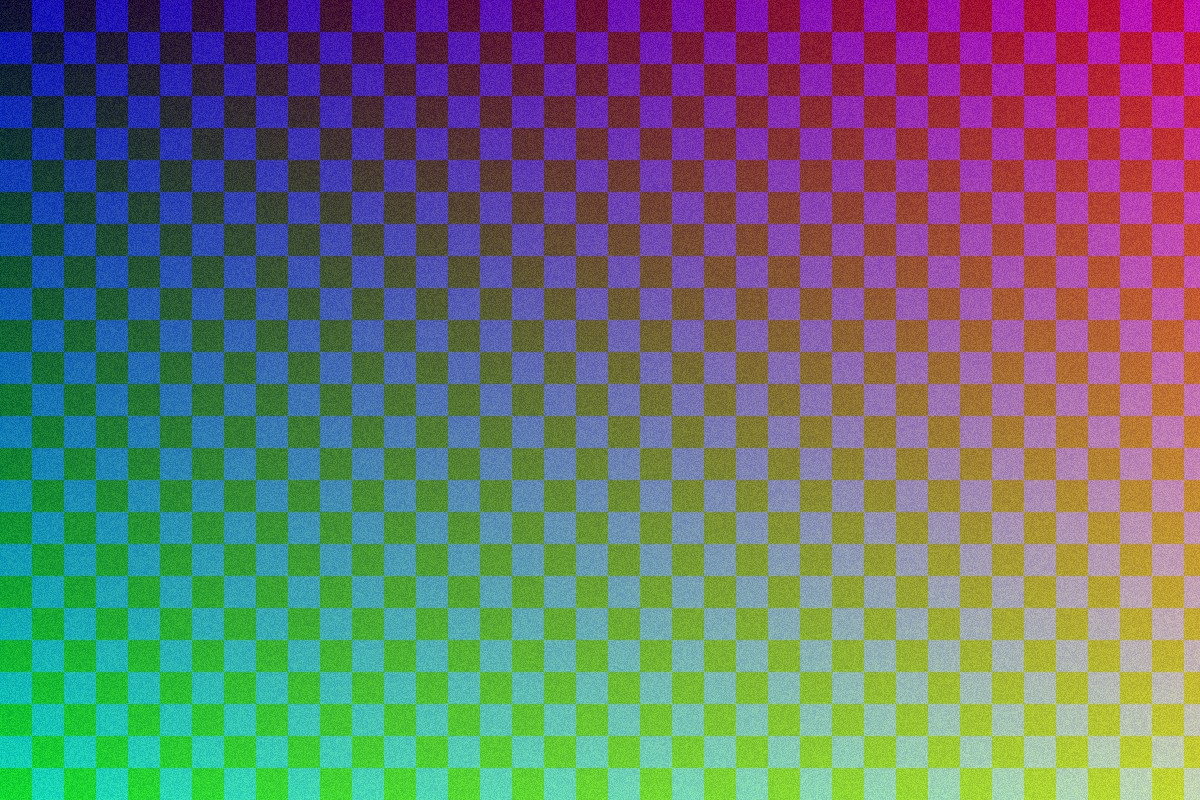
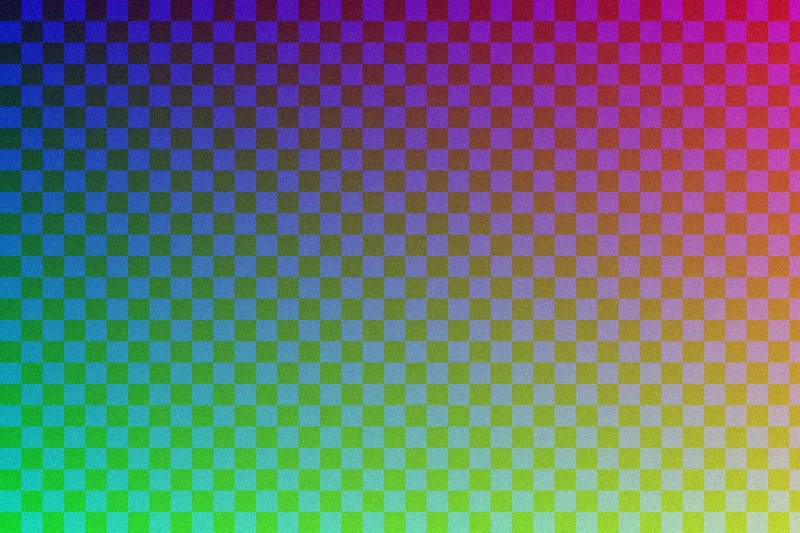
JPEG, quality 90 → 65, measured with the documented sharp example generator: 85% smaller. Measurements and method