

Choosing an image format starts with a practical question: where will the image be used? A small file that cannot be opened is not a useful export. A universally familiar format can also be a poor choice when the image needs transparency. Keep the camera original and choose a delivery copy for the specific recipient, form, shop or website rather than searching for one format that wins every comparison.
A filename ending is only a label. Changing that label does not change how the image is encoded. A real conversion reads the source image and writes a new file in the chosen format. That process can alter colour, metadata and special features as well as size. Always open the converted output instead of assuming that a new extension means the entire original experience has been preserved.
HEIC: preserve the source, check the workflow
HEIC is commonly encountered with photographs from Apple devices. It belongs to the HEIF family of image containers. A source may carry more than a simple conventional still image, so conversion to an ordinary delivery photograph should not be treated as a complete archival replacement. Keep the original if you care about capabilities that the receiving format or application does not reproduce.
Apple’s guidance on HEIF media explains device compatibility and conversion options. In practice, check the actual destination rather than assuming all software handles the same camera files. If a form explicitly requests JPEG, convert a copy before uploading. If a file fails to open, do not keep renaming it or repeatedly lower a quality setting that has not yet been applied by a decoder.
JPEG: a practical photographic handover
JPG and JPEG are common extensions for the same familiar image format. JPEG is widely useful for photographic delivery, especially when the receiver expects an ordinary photo file. Its common lossy workflow trades some information for smaller files. It does not provide the transparent background many people expect from cut-out product images, so plan the background before choosing it for that purpose.
A JPEG export can be appropriate for a portrait, an email copy or a form attachment. It can be less suitable for tiny text and very sharp graphics when compression creates visible edge noise. Inspect the content that matters: faces for a portrait, lettering for a label, and fine texture for a product. Compatibility is helpful, but it does not excuse an unreadable or misleading result.
WebP and AVIF: compare real outputs
WebP and AVIF are useful candidates for web delivery. Both can support transparency, unlike a normal JPEG workflow. Their usefulness still depends on the receiving application and the chosen encoding mode. For an overview of format capabilities, consult the MDN image format guide. Do not translate a general format comparison into a guaranteed saving for every photograph or every browser.
Try an export from your own source, then compare its bytes and visible detail with another accepted format. Some pictures have smooth areas; others contain foliage, hair or noise. Those differences affect compression. Encoder settings and implementation also matter. A quality value in AVIF is not directly comparable with the same number in JPEG or WebP, so equal slider positions are not a fair quality test.
Separate compatibility from file efficiency
For a website you control, you can test image loading and provide an alternative when needed. For a third-party upload field, you generally cannot change its accepted types. Follow the field’s instructions even if another format would be smaller. For email, consider the recipient’s viewing and editing software, not just whether your own browser displays the attachment after you download it.
Do not call a format unsupported everywhere because one application rejected a file. The problem can be the particular file, a container feature, an application restriction or a damaged export. Equally, a successful preview in one tool does not establish that another service will accept it. Test the complete route from source to export to destination with a representative image before converting a large collection.
Watch transparency, colour and extra features
If the source has transparent areas and you choose JPEG, decide what should replace them. A white background may fit a product catalogue but not a dark website. Check semi-transparent edges around hair or glass, because they can reveal a halo against a different background. A thumbnail on a white editing canvas can conceal a problem that becomes obvious in the final page.
Colour is another reason to inspect the result. A wide-gamut or HDR source may look different in an ordinary delivery copy or in another viewer. Compare important product colours and skin tones in the intended environment. Do not assume converting back to the source format will restore appearance that was lost during an earlier conversion. Keep the original and repeat from it when the destination changes.
Use a repeatable decision process
First list the formats the destination accepts. Next identify features you need to keep: ordinary photographic appearance, transparency, readable text or an editable master. Export a representative sample in suitable candidates. Compare at the same displayed size, inspect relevant details and record both the final dimensions and file sizes. This gives you a meaningful comparison rather than a contest between unrelated quality numbers.
Then open the selected file in its real destination. Check orientation, background, colour and any crop introduced by the service. Retain the original separately and name delivery copies clearly. A conversion has succeeded when the intended person or page can use the picture correctly. It need not preserve every source feature, but you should know which features you deliberately left behind before treating the result as final.
A measured example
Our own test illustration combines colors, edges and fine noise. It is not a camera photo. The size of your own photo depends on its content.

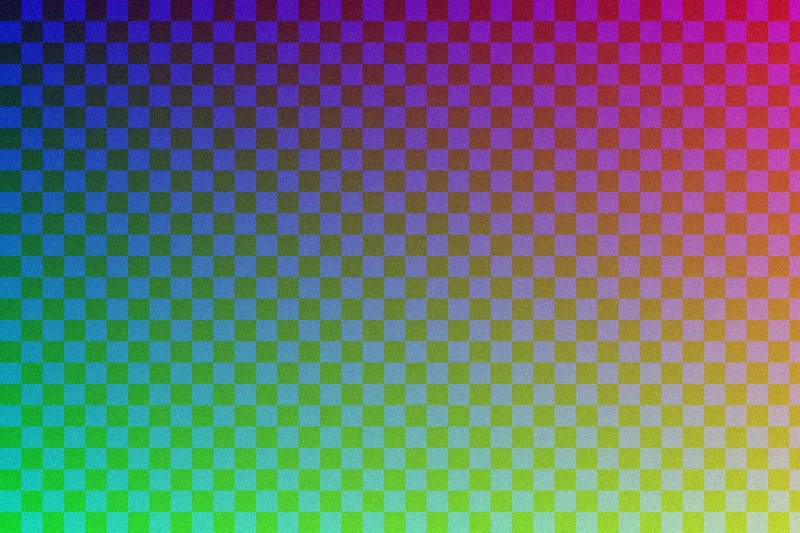
JPEG, quality 90 → 65, measured with the documented sharp example generator: 85% smaller. Measurements and method