

A photograph can be easy to view on your phone and inconvenient to receive by email. Several camera originals can make a message slow to send, difficult to download or impossible to accept. Preparing smaller copies helps, but there is no attachment setting that guarantees delivery to every mailbox. The sender, recipient, mail application and organisation can each impose different restrictions. Start with the recipient’s instructions whenever they exist.
Email preparation is also a privacy decision. Sending an attachment creates another copy outside your device. A download link can be convenient, but it introduces a separate storage service and access rules. Local image editing does not make the later email local. Decide which pictures the recipient actually needs before choosing between attachments and a shared folder, and avoid including unrelated images in the same batch.
A provider example, with its date
Checked on 17 October 2026: Google’s Gmail help lists a 25 MB attachment limit for personal accounts. It says work and school limits are set by administrators, and oversized attachments may be replaced with a Google Drive link. This is a Gmail example, not a universal email limit. Recheck the linked guidance before relying on it; account rules can change.
For another provider, consult its current help page and distinguish sending from receiving. Even within one organisation, a gateway can apply rules that differ from a public mailbox product. If an important recipient has supplied a smaller limit, use that instruction. A draft being accepted by your own mail application only proves that the application accepted the draft, not that the receiving system will accept it.
Budget for the complete message
Look at the sum of all attachments rather than the size of one photo. Include documents already attached, signatures with embedded graphics and any other material in the conversation. Email transport can add encoding overhead, so the file sizes shown in a folder are not always the final message size. Do not aim precisely at a stated boundary and assume that rounding will work in your favour.
For planning, use a deliberately hypothetical example. If you decide on a total photo budget of 6 MB for six pictures, that allows roughly 1 MB per picture before accounting for other message contents. These are arithmetic planning values, not provider rules or measured export results. A detailed product label may need more space than a simple overview photo, so allocate the budget according to what must remain readable.
Choose what the recipient needs to see
A friend viewing holiday pictures on a phone has a different need from a print shop requesting originals. For casual viewing, reduce dimensions to a sensible screen-oriented copy. For printing, ask about the intended print size and required source quality. Do not replace an explicitly requested original with a compressed preview without telling the recipient what you have changed and keeping the source available.
When the photo contains a receipt, serial number or written instruction, inspect those details after resizing. The whole image can appear clean while the essential characters become ambiguous. Crop irrelevant surroundings if that is appropriate, but keep context that explains the document or object. Sometimes sending a clear detail view alongside an overview is more useful than increasing the compression on the entire scene.
Prepare and compare copies
Work from the original files and store exports in a separate folder. Correct orientation, select the needed crop, then reduce dimensions and tune compression. JPEG is useful for ordinary photographs when the recipient has not asked for another format. A modern web format may make a smaller file, but it is not helpful if the recipient’s application cannot open it or their workflow rejects the extension.
Open every exported file before attaching it. Compare colours, faces and small text at a normal viewing size, then inspect important details more closely. Do not infer quality from the compression percentage alone. A larger source might shrink dramatically with a good result, while an already compressed picture can degrade after a relatively small additional saving. Stop reducing once the intended information starts to suffer.
Attach the right versions
Use clear filenames and attach the files from the export folder. A phone’s share menu may offer to send the original, a reduced version or a link; check which choice you made. A mail application may place pictures inline rather than as ordinary attachments. If the recipient needs downloadable files, verify that the chosen method provides them instead of assuming that an image visible in the draft is equivalent.
Sending a ZIP archive does not reliably make already compressed photographs much smaller. It can group files, but some receiving systems restrict archives and some recipients find them awkward on mobile. Choose it for organisation only when the recipient can use it. Do not hide a rejected file type inside an archive as a way to bypass a receiving organisation’s security policy.
Handle failed delivery without blind retries
If a message fails, read the delivery notice. A size rejection, an invalid address and a blocked file type need different corrections. Remove unnecessary attachments or prepare a smaller copy only when size is the issue. For a shared link, check access through the intended account and choose permissions carefully; a link that opens for you may still be inaccessible to the recipient.
For sensitive material, use the recipient’s approved channel and confirm the address through a trusted route. Before sending, reopen the draft, review recipients and attachments, and remove earlier versions. Keep the originals until you know the recipient has what they need. A practical email is one that arrives, opens and communicates its purpose without exposing more information than necessary.
A measured example
Our own test illustration combines colors, edges and fine noise. It is not a camera photo. The size of your own photo depends on its content.
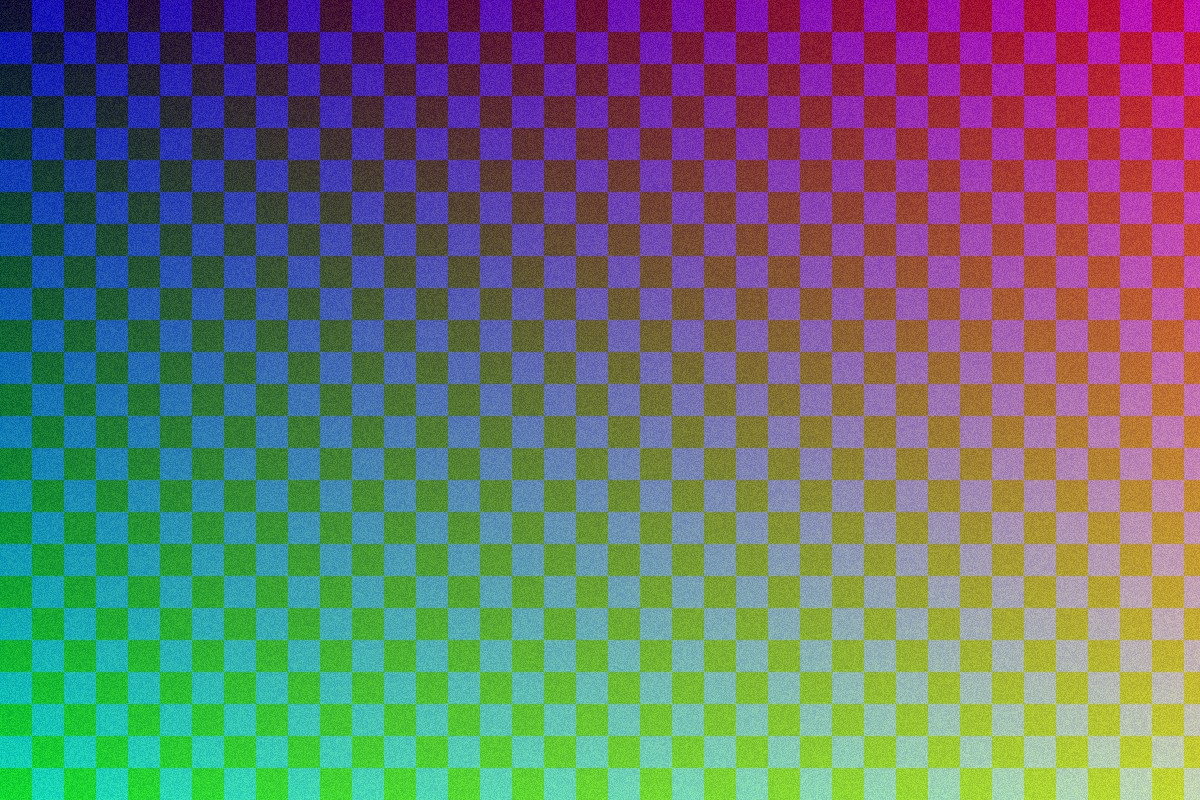
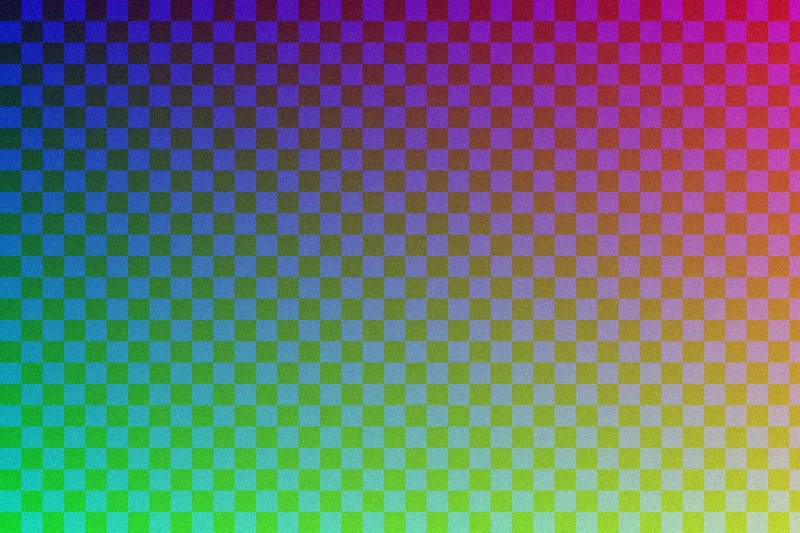
JPEG, quality 90 → 65, measured with the documented sharp example generator: 85% smaller. Measurements and method